Looking back
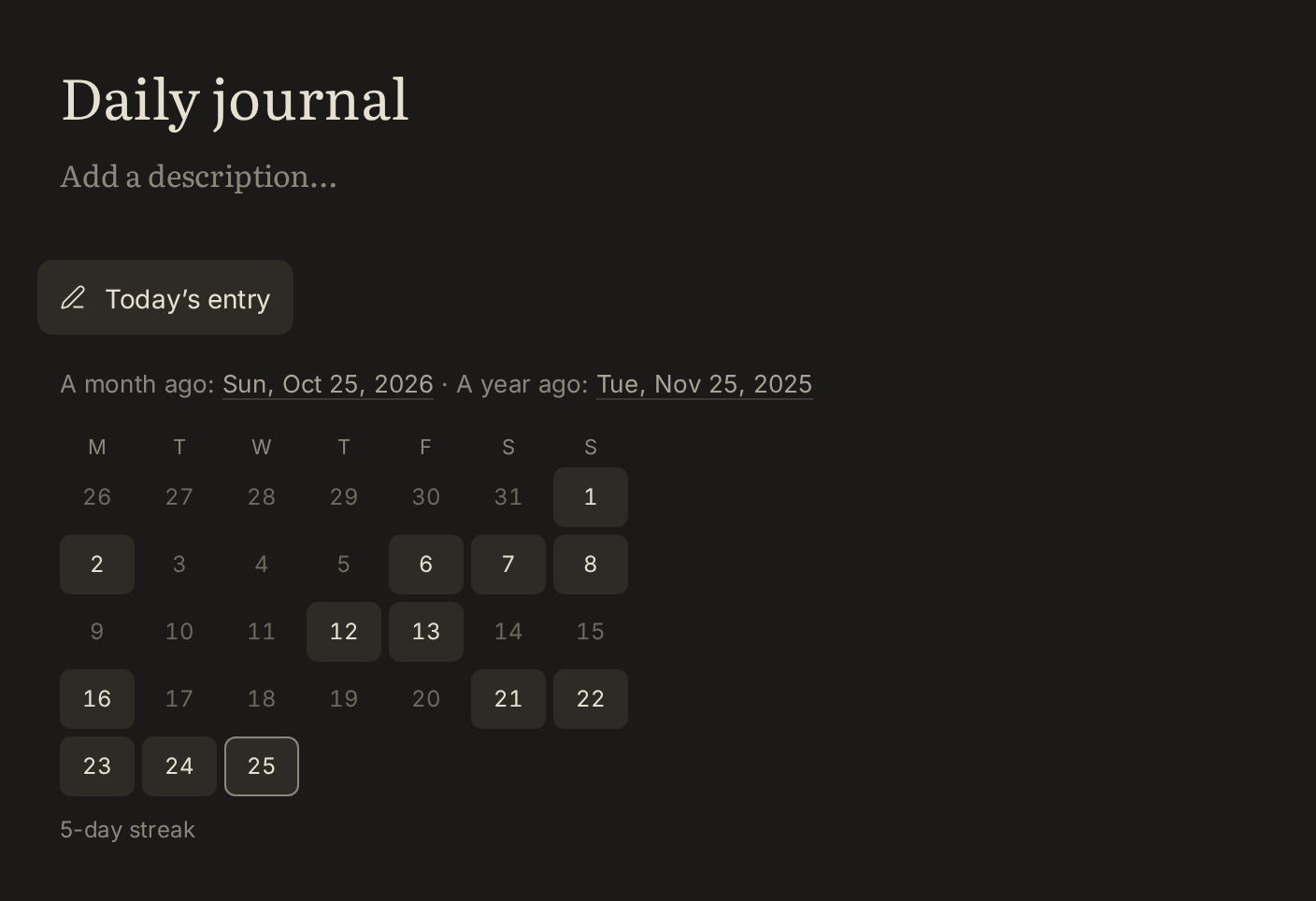
Once your journal has an entry, it shows the days you wrote, your streak, and what you wrote on this day a month or a year ago.
Everything here appears in an open journal, under Today’s entry or New entry. It works the same in every journal. Nothing extra is stored: it all comes from the dates of the entries you’ve written.
On this day
When there’s an entry from exactly a month ago, or a year ago, a line at the top links to it:
A month ago: Sun, Oct 25, 2026 · A year ago: Tue, Nov 25, 2025
Click a date to open that entry. If there’s no entry for one of those days, that part simply doesn’t appear.
For months with fewer days, Papers uses the last day of the month. On March 31, “a month ago” is February 28 (or 29).
The calendar
The calendar shows the last five weeks, with each week starting on Monday.
- Days you wrote are filled in. Click one to open that day’s entry. If you wrote more than once that day, it opens the latest.
- Today has a thin outline. In an every-day journal, clicking it opens today’s entry, or starts it.
- Days you didn’t write are dimmed.
Your streak
In an every-day journal, the line under the calendar counts how many days in a row you’ve written, once that’s two days or more:
5-day streak
The streak isn’t broken just because you haven’t written yet today. Until the day is over, it counts up to yesterday. Write today and it grows by one.
Entries this month
In a whenever journal, a streak doesn’t mean much, so the line counts how many entries you’ve written this month instead:
12 entries this month
Days and time zones
Each entry belongs to the day it was started, by your device’s clock. If you travel across time zones, an entry keeps the date it was given.